AI Series 1: Exploring the Power of AI
AI Series 2: AI for Everyone: Unlocking the Potential of Everyday AI Tools
AI Series 3: AI-Powered Job Search: Navigating the Future of Work
AI Series 4: AI Use case series
Use case post 9: Copilot as my scheduling tool
Introduction
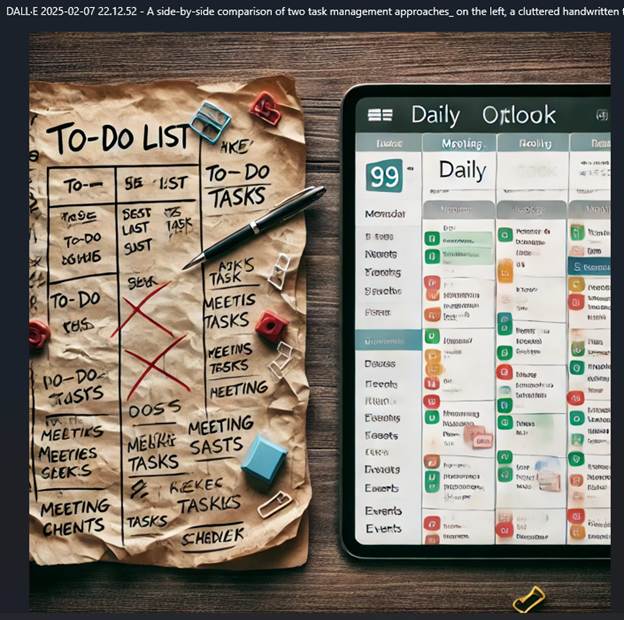
Like many of you, my daily task list is never-ending. I track everything in OneNote, and that usually works—until I realize I’ve forgotten something important. My system consists of a table for recurring tasks and a list for one-off items, like reviewing documents or catching up on industry calls.
It looks something like this:
Task Table:
| Task | Monday | Tuesday | Wednesday | Thursday | Friday |
| Finance course | |||||
| Developer course | |||||
| Blog work | |||||
| AI Planning v-team | |||||
| Learning | |||||
| Social media posting |
One-off Task List:
- Catch up on 2/4/2025 FastTrack Solution Architect Community Call
- Review Microsoft Learn contributor guide
- Research available market researchers
- Write a whitepaper or knowledge base article on newsletters
- Draft a Medium article
Discussion
Budget cuts are forcing us all to do more with less. My workload isn’t getting any lighter, and I need a system that helps me stay on top of everything. That’s where Copilot comes in.
Each morning, I ask Copilot to build my schedule. My prompt usually looks like this:
“Please schedule my day from 9:00 AM – 5:30 PM.
Allow for these meetings:
- 10:00 – 10:30 AM: 1:1 with my manager
- 2:30 – 3:00 PM: Mentoring meeting
- 4:30 – 5:00 PM: People v-team meeting
Here are my tasks (they may not all fit):
- Finance course
- Developer course
- Blog work
- AI Planning v-team
- Learning
- Social media posting
- Catch up on 2/4/2025 FastTrack Solution Architect Community Call
- Review Microsoft Learn contributor guide
- Research available market researchers
- Write a whitepaper or knowledge base article on newsletters
- Draft a Medium article
Order the schedule by time. Prioritize tasks if needed.”
Copilot quickly creates a structured schedule—and even remembers to add a lunch break (which I often forget!). Somehow, it also knows my core job responsibilities and ensures they get adequate time. If something doesn’t fit quite right, I can make adjustments, but having a well-structured plan in front of me keeps me moving forward.
Challenges: Put AI to the Test!
How can Copilot help you manage your workload? Try it out! The responses you get will differ depending on whether you’re using the Work or Web versions:
- Work version: Pulls in relevant work data, including emails and documents. It can even help prep for meetings by referencing recent conversations with my manager.
- Web version: More generalized, focusing on common scheduling patterns and publicly available data.
Test both and see how they compare!
Why This Matters
I want to explore new learning opportunities—maybe even take a Python course—but first, I need to ensure I’m meeting my core responsibilities. Copilot helps me balance professional development with daily work, making sure I don’t drop the ball on critical tasks.
Further Resources
Disclosure
This post was created with AI assistance and refined with my insights. I take responsibility for all content and personalization.




 janeteblake
Pingback: AI Series 4 Wrap-Up: Practical Use Cases for AI | janeteblake