
Getting Comfortable with AI: Easy-to-Use Tools for Daily Tasks
AI Series 1 was Exploring the Power of AI
AI Series 2: AI for Everyone: Unlocking the Potential of Everyday AI Tools
Part 1 was: Getting Comfortable with AI: Easy-to-Use Tools for Daily Tasks | janeteblake
Part 2 was: AI in Your Pocket: Leveraging AI on Your Smartphone
Series 2: AI for Everyone: Unlocking the Potential of Everyday AI Tools
Post 3: Boosting Creativity with AI: From Social Media to DIY Projects
Introduction
Hello, Visionary Creator! 🎨 Ever find yourself scrolling through Instagram, amazed by those perfectly curated feeds or stunning DIY projects that look straight out of a design studio? Guess what? You don’t need to be a professional designer or videographer to create such eye-catching content—AI is your new creative sidekick! From generating captivating images to editing dynamic videos, AI tools are here to make your creative journey smoother, faster, and a whole lot more fun. Let’s explore how AI can supercharge your creativity, whether you’re crafting a DIY project or curating the ultimate social media aesthetic.
Discussion
AI has moved beyond simple automation—it’s now a powerful tool for boosting creativity across various mediums. Here are some key ways AI is transforming creative work:
- Image Generation with AI: Have a vision for a design but lack the skills to draw it out? Tools like DALL-E (available for free through Bing Chat) and Midjourney (paid) can turn your ideas into visuals with just a text prompt. Describe what you need, and these AI models will generate unique images that match your concept. Perfect for spicing up your social media posts or crafting custom elements for your DIY projects.
- Design Made Easy with Canva: Canva (free with paid upgrades) is a favorite among creatives, offering a user-friendly interface and a wealth of AI-powered features. Its AI design suggestions, image enhancements, and text-to-image capabilities make it easy for anyone to create professional-looking graphics, from social media posts to marketing materials. Canva’s AI can even generate color palettes and font pairings that match your brand or project theme, making the design process smooth and enjoyable, even if you’re a total beginner.
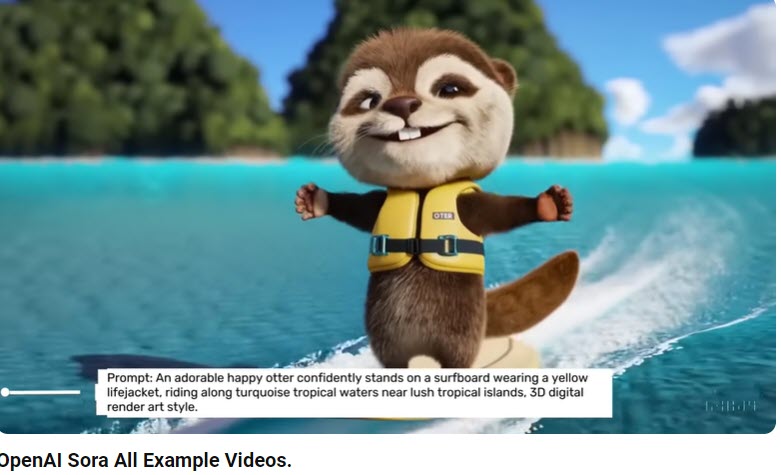
- Video Creation and Editing: AI tools like Synthesia (paid), Pictory (offers a free trial), and Microsoft Clipchamp (free with paid upgrades) are changing the game for video content creation. You can create videos with AI-generated avatars, script to screen in minutes, or use AI to auto-edit your footage. For instance, I used Microsoft Clipchamp to dub an AI voice into the videos for my Finance course (MB-310) (Original and AI voice), and a coworker used AI to generate an avatar, narrating it using her own voice samples. Sora creates video from text. Imagine making a DIY tutorial video with automated scene suggestions or edits that align with your vision without spending hours on manual adjustments.
- Photo Editing Magic: Apps like Adobe Photoshop’s AI-powered features (paid, with a free trial) and Luminar Neo (paid, with a free trial) are perfect for enhancing your photos effortlessly. AI can suggest the best filters, automatically remove unwanted objects, or even transform your photos into a completely different style, making it easier than ever to maintain a consistent aesthetic across your projects.
Note: Please consider marking AI-generated designs as such. The day is near when we won’t be able to distinguish, and the responsible thing to do is to let our viewership know. I haven’t been doing that, and plan to start.
Challenge
Ready to unleash your creativity? Let’s dive into these challenges to get hands-on with AI:
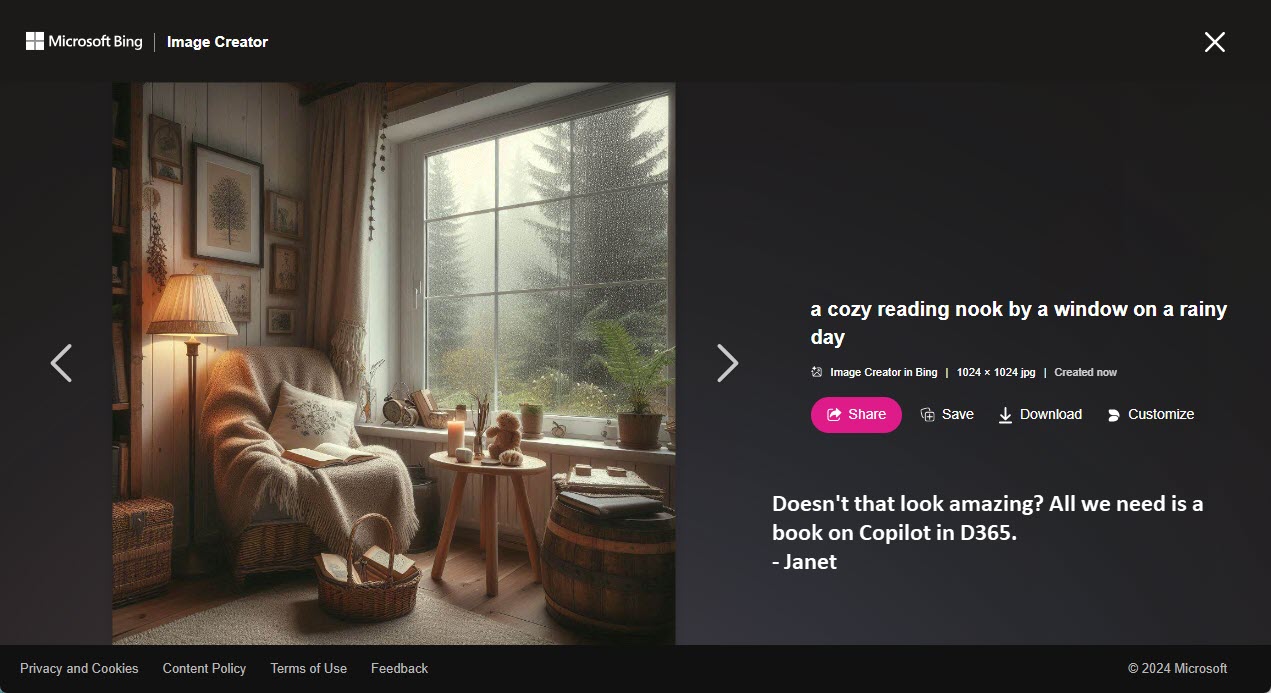
- Image Creation and Modification: Use DALL-E through Bing Chat (free) or Midjourney (paid) to create an image based on a concept you have in mind. It could be as simple as “a cozy reading nook by a window on a rainy day” or “a futuristic cityscape at sunset.” Once you have your generated image, use a tool like Adobe Photoshop (paid, with a free trial) or Canva (free with paid upgrades) to modify it—add text, tweak colors, or combine it with other elements to make it uniquely yours. Share your creation on social media and see how AI can bring your ideas to life!
- AI-Enhanced Video Creation: Create a short video using Synthesia (paid), Pictory (offers a free trial), or Microsoft Clipchamp (free with paid upgrades). Start with a simple script for a DIY project or a how-to guide, and let the AI generate the video for you. Experiment with different styles, voices, and avatars to find what resonates best with your audience. This is a fantastic way to add engaging video content to your social media without needing advanced video editing skills.
Summary
AI is not just a tool—it’s a creative catalyst that can help you break through creative blocks and bring your wildest ideas to life. From generating stunning images to crafting engaging videos, AI makes it easier than ever to explore new creative avenues. So, your go-do? Take on one of the challenges above and see where your creativity takes you! And drop comments below. Whether you’re sprucing up your social media or working on a new DIY project, AI is here to make the process not just easier, but way more fun. 🎉
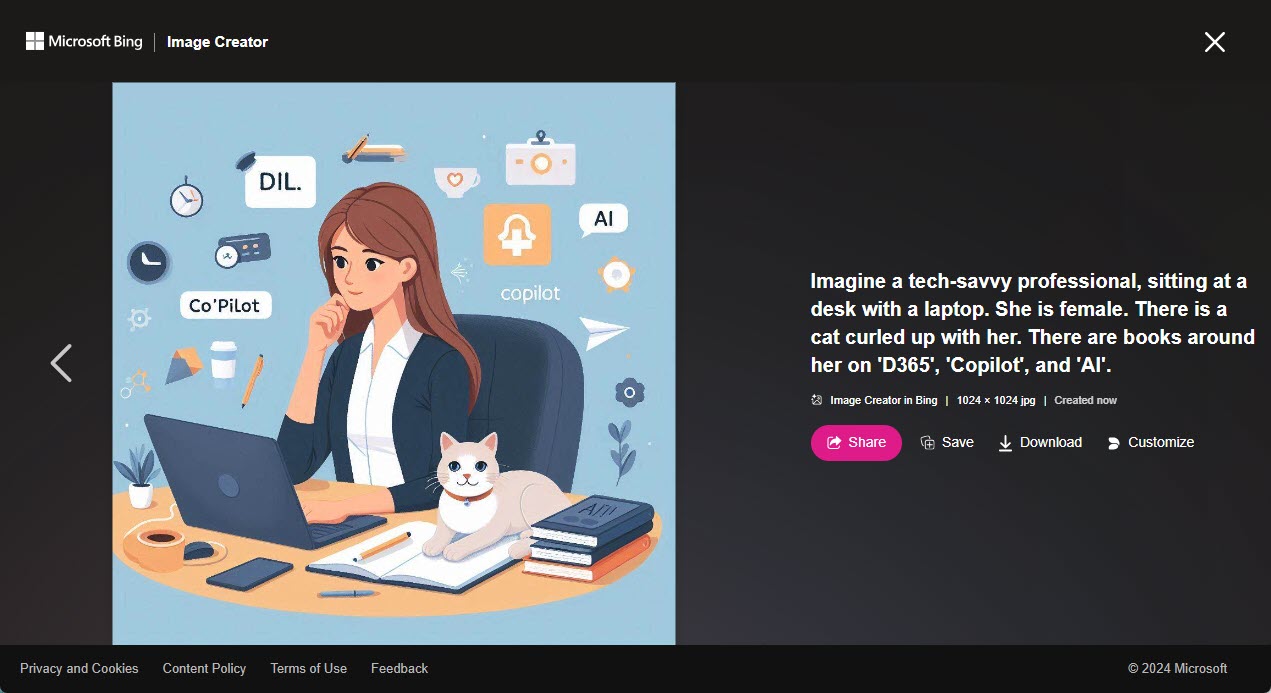
In closing: in tribute to the very first application that many of us used AI models for, and in the spirit of AI creativity, here is a limerick for you (Credit ChatGPT 4o):
There once was a tech-savvy pro,
A Dynamics consultant, you know.
Now blogs about AI,
With skills soaring high,
Helping others to give it a go!
Further resources
- DALL-E (free with Bing Chat): DALL-E via Bing Chat – Generate unique images from text descriptions.
- Midjourney (paid): Midjourney – Explore AI-powered image creation.
- Canva (free with paid upgrades): Canva – Design with AI-powered suggestions for social media, presentations, and more.
- Synthesia (paid): Synthesia – Create AI-generated videos with custom avatars.
- Pictory (offers a free trial): Pictory – AI-powered video creation from scripts or articles.
- Microsoft Clipchamp (free with paid upgrades): Microsoft Clipchamp – Easily edit videos and add AI voices.
- Adobe Photoshop (paid, with a free trial): Adobe Photoshop – Use AI features to enhance and modify images.
Disclosure
AI was used to create a draft of this post. I added my own personal touches and take responsibility for all of it.




 janeteblake
Pingback: Smart Shopping with AI: Finding Deals and Making Better Decisions | janeteblake
Pingback: AI in the Home – Making Your Space Smarter and More Efficient | janeteblake
Pingback: Simple Steps to Explore More Advanced Tools | janeteblake
Pingback: Series 2 Wrap up | janeteblake