Getting Comfortable with AI: Easy-to-Use Tools for Daily Tasks
AI Series 1 was Exploring the Power of AI
AI Series 2: AI for Everyone: Unlocking the Potential of Everyday AI Tools
Part 1 was: Getting Comfortable with AI: Easy-to-Use Tools for Daily Tasks | janeteblake
Series 2: AI for Everyone: Unlocking the Potential of Everyday AI Tools
Post 2: AI in Your Pocket: Leveraging AI on Your Smartphone
Introduction
In today’s fast-paced world, our smartphones have become indispensable companions, seamlessly blending into every aspect of our daily routines. But did you know that behind the sleek screens and intuitive interfaces, artificial intelligence (AI) is quietly working to make your life easier, often without you even realizing it? From managing your photos to setting reminders and suggesting your next favorite song, AI has already made its way into the apps you use every day, transforming your smartphone into a powerful personal assistant.
In this post, we’ll dive into the world of AI on your smartphone, exploring how these smart features can save you time, boost your productivity, and add a touch of convenience to your everyday tasks. Whether you’re a tech enthusiast or someone who prefers to keep things simple, you’ll discover just how easy it is to harness the power of AI in the palm of your hand. So, let’s unlock the potential of your smartphone and start getting comfortable with AI-driven tools that are ready to work for you!
Discussion
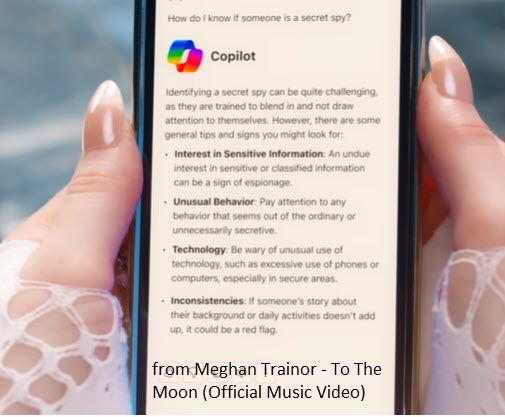
Let’s dive into some of the most practical AI-powered tools that you probably already have on your smartphone. First up are voice assistants like Siri, Google Assistant, and Alexa. These handy helpers are powered by sophisticated AI algorithms designed to understand and respond to your voice commands, making them a perfect example of AI’s capabilities right at your fingertips. Whether you’re asking for the weather, setting a reminder, sending a quick text, or even turning off the lights in your home, these voice assistants are constantly learning and adapting to better serve your needs. They’re not just about convenience—they’re about making your day run a little smoother, so you can focus on what really matters.
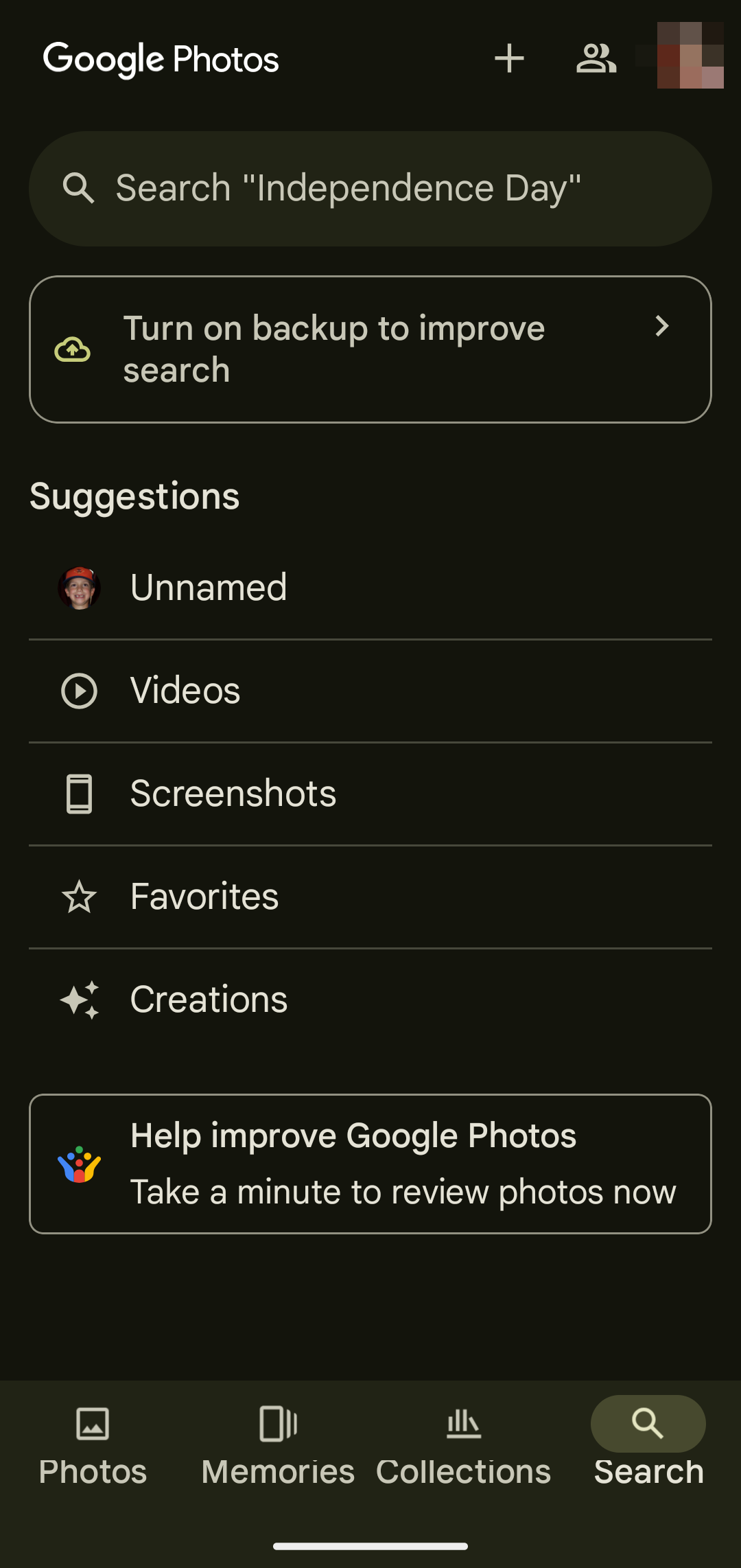
Next, let’s talk about AI in photo management. Apps like Google Photos use AI to organize your photos effortlessly. They can sort images by faces, locations, or even specific objects, making it incredibly easy to find that one photo from last summer or create a quick album of your favorite pet pictures. This AI-driven sorting doesn’t just save time; it turns your sprawling digital photo collection into an organized, searchable archive—no more endless scrolling!
And then there are personalized recommendations, the quiet AI powerhouse behind your favorite apps like Spotify, Netflix, and even your news feed. These algorithms learn from your habits—what you listen to, watch, or read—and then suggest new content that aligns with your tastes. It’s like having a personal curator who knows exactly what you’ll love next, whether it’s a new show to binge, a song that matches your mood, or a must-read article.
What’s truly remarkable is how seamlessly these AI features blend into the background of our daily lives. They’re not complex, intimidating technologies reserved for the tech-savvy—they’re simple, user-friendly tools designed to make everyday tasks faster and more efficient. And the best part? You don’t need to be an expert to take full advantage of them. These tools are built for everyone, from the busiest professional to the casual smartphone user.
By now, you might be realizing just how much AI is already enhancing your smartphone experience. But don’t just take my word for it—up next, we’ll explore how you can actively try out these AI features for yourself. Ready to see how easy and impactful these tools can be? Let’s jump into some hands-on activities that will bring the power of AI into your daily routine!
Challenge
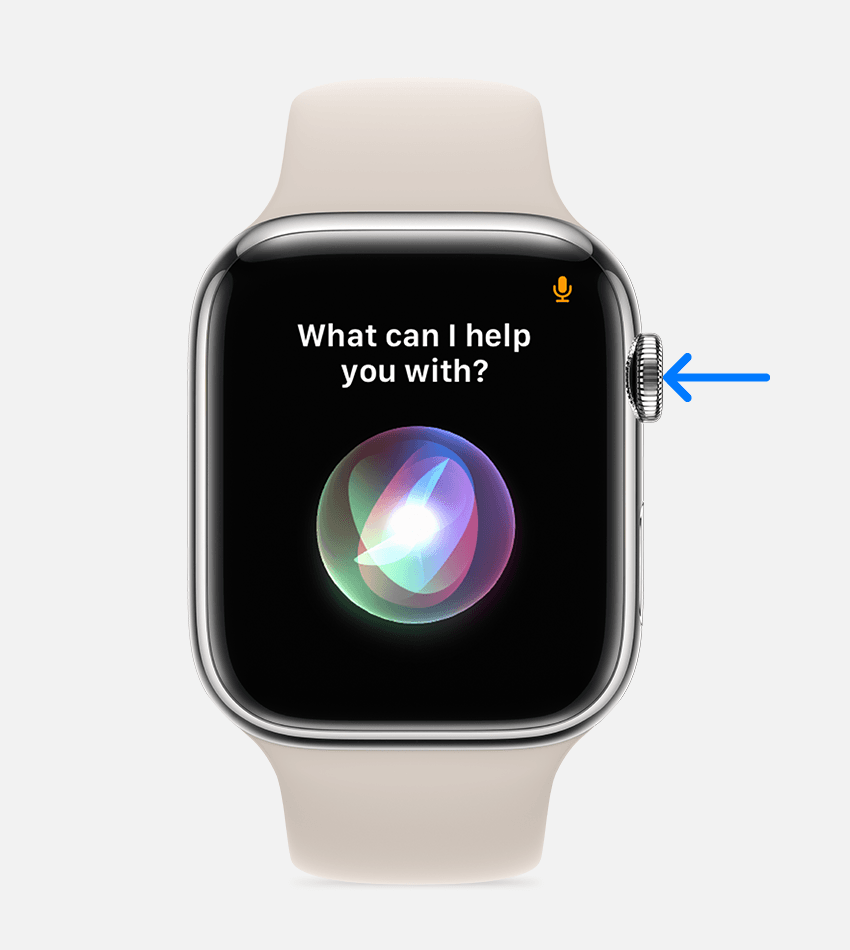
Challenge 1: Get acquainted with your voice assistant
- Activate your voice assistant
- iPhone Users: Press and hold the Home button or say “Hey Siri.”
- Android Users: Say “Hey Google” or press and hold the Home button.
- Set a reminder
- Say, “Set a reminder for [task] at [time].” For example, “Set a reminder for a meeting at 3 PM.”
- Send a message
- Try saying, “Send a message to [contact] saying [your message].” For instance, “Send a message to John saying I’ll be there in 10 minutes.”
- Ask for information
- Ask your assistant a question, such as, “What’s the weather like today?” or “Find the nearest coffee shop.”
- Explore more commands
- Experiment with other commands like “Play my favorite music (It’s more fun when you hook the assistant up to your music service), “Set an alarm for tomorrow at 7 AM” (or a bit later if you’re like me), or “What’s on my calendar for today?”

Challenge 2: Organize your photos with AI-powered tools
Using AI-powered photo management tools like Google Photos can turn your cluttered photo gallery into a neatly organized collection. Let’s see how AI can help you sort and find photos effortlessly.
Step-by-Step Instructions:
- Open Google Photos:
- Explore the Search Function:
- Tap on the Search bar and try typing things like “beach,” “food,” or a friend’s name if you’ve tagged faces. Watch as AI sorts through your photos instantly!
- Create an Album Using AI Suggestions:
- Tap on the “Library” tab, then “Albums.”
- Click “Create album” and let Google Photos suggest pictures based on locations, dates, or recognized faces.
- Clean Up Your Library:
- Use the “Utilities” option under the Library tab to find suggested albums, blurry photos, or duplicates. Google Photos will provide AI-powered suggestions to help you clean up your library.
- Explore Assistant Cards:
- Tap on the “For you” tab to see automatically created collages, animations, and albums made by the app’s AI.
By trying these hands-on challenges, you’ll experience firsthand how AI can simplify everyday tasks and make your smartphone even smarter. These tools are designed to be easy and intuitive, so don’t hesitate to explore and have fun with them. Up next, we’ll summarize how these AI features enhance your smartphone experience and suggest more ways to keep experimenting with AI in your daily life!
Summary
AI on smartphones is not just about futuristic technology; it’s about making everyday life a little bit easier and a lot more organized. From voice assistants that help you multitask without lifting a finger to AI-powered photo apps that bring order to your digital memories, AI is quietly working behind the scenes to enhance your smartphone experience. These tools are designed to be user-friendly, requiring no special tech skills to use effectively.
By getting comfortable with AI-driven features like voice commands, photo sorting, and personalized recommendations, you’re not just using a phone—you’re tapping into a powerful assistant that learns from your habits and preferences. Whether you’re setting reminders, finding your favorite photos, or discovering new content tailored just for you, AI on your smartphone is all about making routine tasks faster, more efficient, and more enjoyable.
So, why not take a moment to explore these AI features? You’ll find that they’re more accessible than you might think, and the benefits can be felt in every part of your daily routine. Embrace the convenience, let AI handle the small stuff, and keep finding new ways to make your smartphone work smarter for you.
Thank you for reading!
Further resources
- This is not directly related to AI on mobile, but I just read and loved:
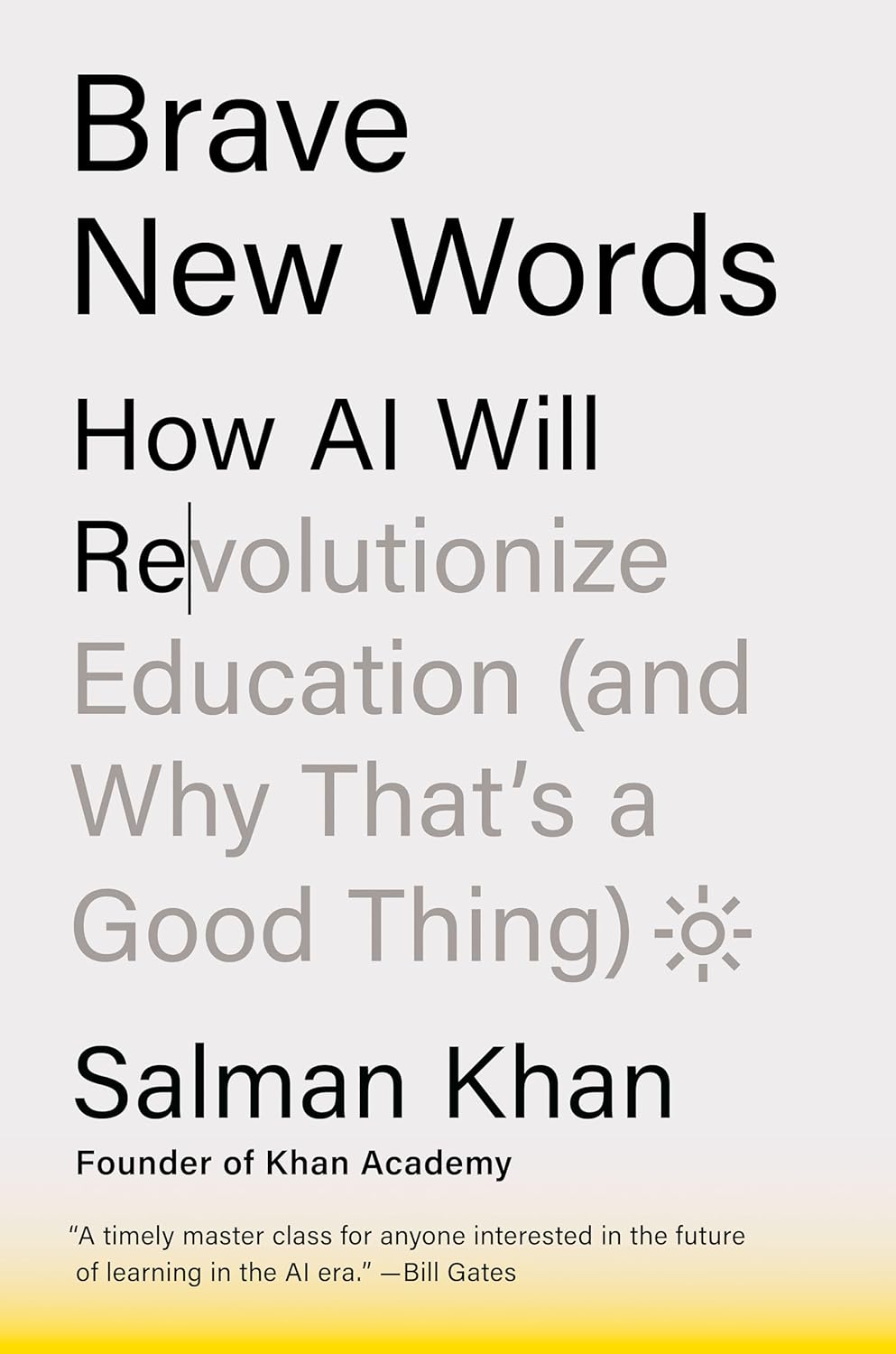
- Khan, Salman. Brave New Words: How AI Will Revolutionize Education. New York?: Viking, 2024.
- And am currently reading:
- Mollick, Ethan. Co-Intelligence: Living and Working with AI. Portfolio, 2024.
Disclosure
AI was used in several places in this post: to create the title, to create the outline and some discussion, to suggest the challenges.




 janeteblake
Pingback: Boosting Creativity with AI: From Social Media to DIY Projects | janeteblake
Pingback: Smart Shopping with AI: Finding Deals and Making Better Decisions | janeteblake
Pingback: AI in the Home – Making Your Space Smarter and More Efficient | janeteblake
Pingback: Simple Steps to Explore More Advanced Tools | janeteblake
Pingback: Series 2 Wrap up | janeteblake